Example content, so you can see how each page behaves. Your own details start blank.
Three things your page does.
01
It shows the work at size.
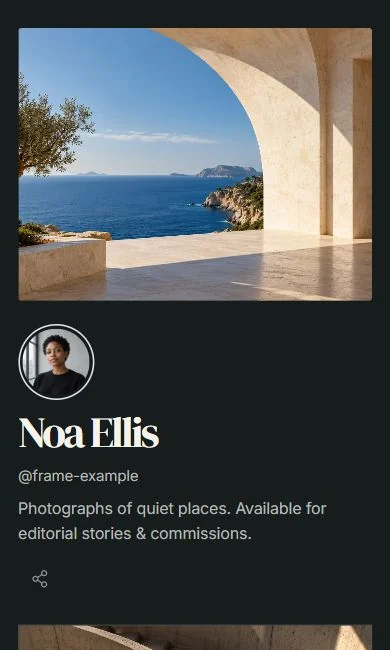
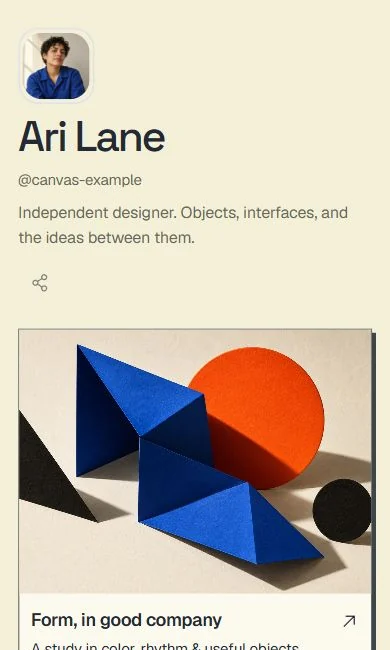
A full-width cover and image-led projects replace a grid of tiny thumbnails. Pick the one piece that opens the page and the rest follow behind it.
02
It makes the next step obvious.
Add a booking or enquiry link, a WhatsApp chat button or a mailing-list sign-up under your best work, so the person who likes it knows how to get in touch.
03
It holds stills and film together.
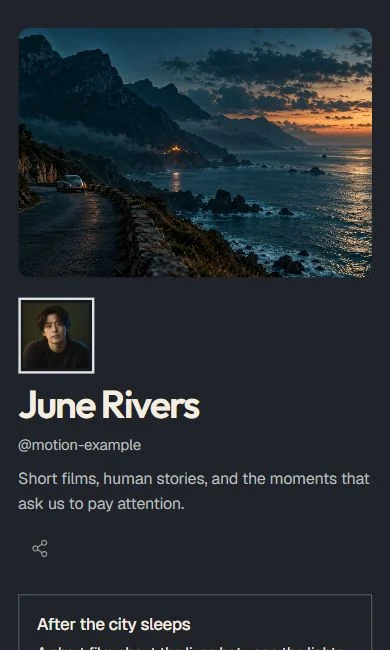
Embed a YouTube film next to your photographs or project images, so a showreel and a portfolio live at the same address.
Switching from Linktree? It takes a minute.
Paste your Linktree address and your links arrive in a private draft. Restyle it with Frame, Canvas or Motion, then swap the link in your bio when you are happy. Your Linktree stays untouched until then.
Linktree import and subscriber export work on every plan.
Refunds are available within 30 days of any payment, including renewals.
Questions creators ask.
Can I use it as a portfolio?
Yes. Each project can have its own image or film and a link to a longer case study elsewhere. After the trial you keep up to 5 links; Pro has no limit on links.
Can I sell prints or commissions through it?
Your page links to wherever you already take orders, bookings or payments. Flought does not process sales itself.
What happens when the 14-day trial ends?
Your page stays live with a small Flought badge. You can still edit your text, swap your photo and keep up to 5 links, and you can still import from Linktree and export subscribers. Premium design controls, analytics, scheduling, a custom domain and extra links need Pro.
Do I need a card to try it?
No. The trial is 14 days of Pro and asks for no card. You only enter payment details if you decide to subscribe.
Can I use my own domain?
Yes, with Pro. Without it your page lives at flought.com with your handle.
What does joining the waitlist do?
It puts your email on a list for news about Flought for photographers, designers and illustrators. You can also ask us to hold the handle you want. You do not need to join the waitlist to start a page; the button at the top opens Studio straight away.
Not ready to build yet?
Leave your email and we will write when there is news for photographers, designers and illustrators. Add the handle you want and we will note it for you.
We use your email only to write to you about Flought. Privacy